
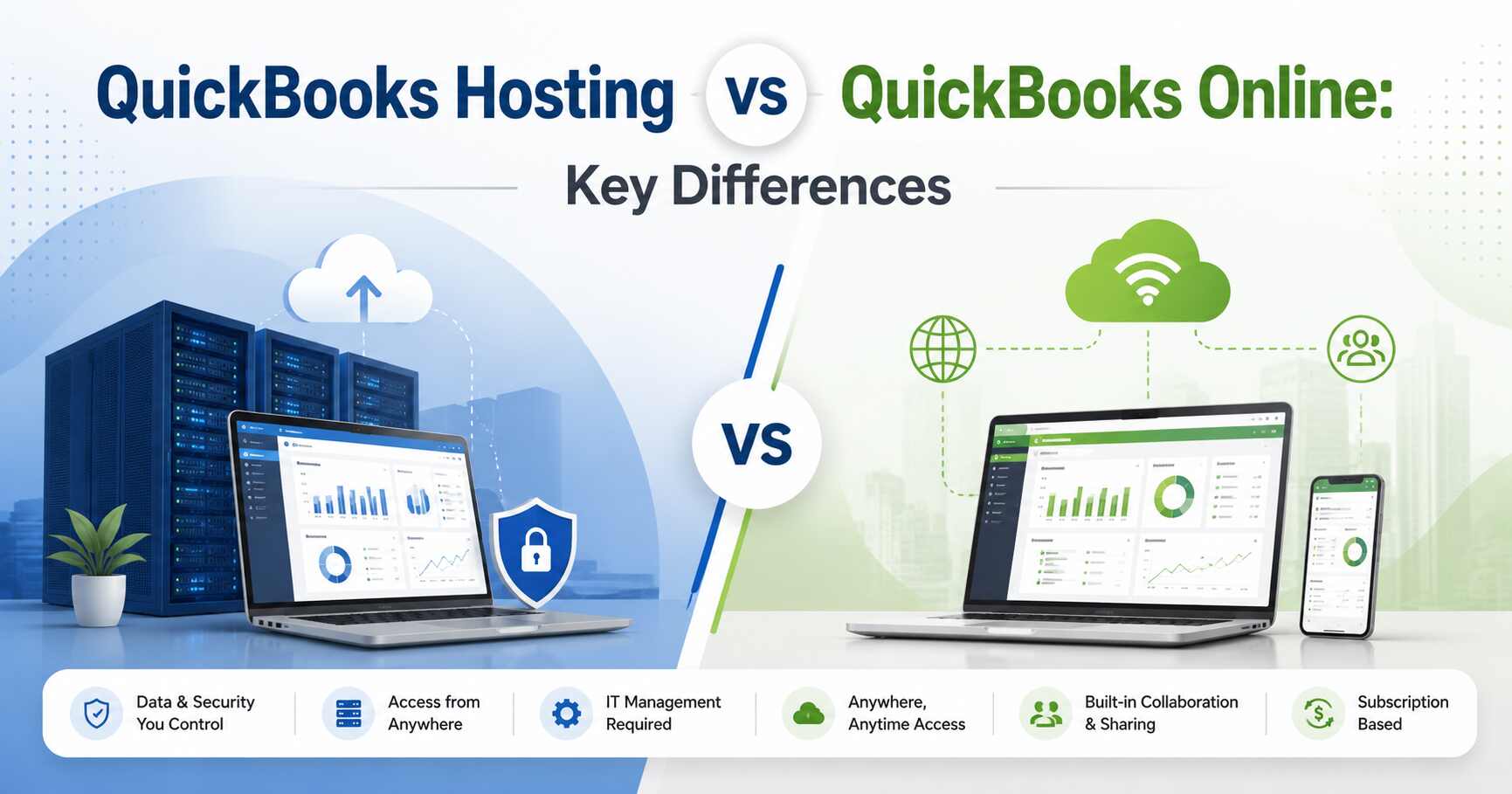
Businesses today need accounting solutions that offer flexibility, security, and easy access to financial data from anywhere. As cloud-based accounting continues to grow, many organizations compare QuickBooks Hosting and QuickBooks Online to determine which solution best fits their operational needs.
Although both options provide cloud accessibility, they work very differently. Understanding these differences can help businesses make the right decision based on their accounting requirements, budget, and workflow preferences.
Understanding QuickBooks Hosting
QuickBooks Hosting refers to installing traditional QuickBooks Desktop software on cloud servers. Instead of running the software on a local computer, users access it through the internet from any device. This setup allows businesses to use the full desktop version of QuickBooks while gaining the benefits of cloud technology.
With QuickBooks Hosting, companies can continue using familiar QuickBooks Desktop features without being tied to a single office computer. Employees, accountants, and remote teams can securely work on the same files simultaneously from different locations.
Many businesses prefer QuickBooks hosting because it combines the advanced functionality of QuickBooks Desktop with the flexibility of remote access.
What is QuickBooks Online?
QuickBooks Online is a fully web-based accounting application provided directly through a browser. Unlike hosted QuickBooks Desktop, it does not require installation on a cloud server. Users simply log in online to manage accounting activities.
QuickBooks online is designed primarily for businesses seeking simplicity and ease of use. It offers standard accounting tools such as invoicing, expense tracking, reporting, and bank reconciliation. Since the platform is browser-based, updates and maintenance are handled automatically.
While QuickBooks Online is convenient for smaller businesses, it may not provide all the advanced features available in QuickBooks Desktop through QuickBooks hosting.
Key Differences Between QuickBooks Hosting and Online
Understanding these core functionalities helps businesses choose the most suitable solution.
1. Software Version and Features
One of the biggest differences is the software itself. QuickBooks hosting uses the full QuickBooks Desktop application, including Enterprise and Accountant versions. This means users can access advanced reporting, industry-specific tools, custom workflows, and larger company file support.
QuickBooks Online offers a simplified cloud-native experience. Although it includes essential accounting features, some advanced desktop capabilities may be limited or unavailable.
Businesses with complex accounting processes often choose QuickBooks hosting because it supports more advanced functionality.
2. Accessibility and Remote Work
Both solutions support remote access, but they operate differently.
QuickBooks hosting allows users to remotely access the exact desktop environment from any location. Employees can use Windows, Mac, tablets, or mobile devices to connect securely to the hosted server.
QuickBooks Online works directly through a browser, making it easy to access without remote desktop software. However, browser performance and feature limitations may affect users who rely on advanced accounting tasks.
For businesses with remote accounting teams, QuickBooks hosting often provides greater flexibility and consistency.
3. Multi-User Collaboration
Collaboration is important for modern businesses, especially those with distributed teams.
QuickBooks hosting enables multiple users to work simultaneously on the same QuickBooks Desktop files in real time. Team members can collaborate efficiently while maintaining data accuracy and synchronization.
QuickBooks Online also supports multiple users, but user roles and functionality may be more limited depending on the subscription plan.
Organizations requiring extensive collaboration frequently benefit from QuickBooks hosting because it supports larger teams and more complex workflows.
4. Performance and Speed
Performance can significantly impact productivity.
With QuickBooks hosting, performance depends largely on the cloud hosting provider’s infrastructure. High-quality hosting providers deliver fast processing speeds, reliable uptime, and dedicated resources for better performance.
QuickBooks Online performance depends mainly on internet connectivity and browser efficiency. Large datasets or complex reports may sometimes run slower compared to hosted desktop environments.
Businesses managing large company files often prefer QuickBooks hosting for better processing capabilities.
5. Customization and Third-Party Integrations
QuickBooks Desktop through QuickBooks hosting supports extensive customization and integrations with industry-specific applications, payroll software, CRM tools, and other business systems.
QuickBooks Online also supports integrations, but some desktop-compatible applications may not work with the online version.
Companies that rely heavily on custom workflows and specialized integrations usually find QuickBooks hosting more suitable.
6. Data Security
Security is a major concern when handling financial information.
Professional QuickBooks hosting providers typically offer advanced security measures such as encrypted connections, firewall protection, multi-factor authentication, automatic backups, and disaster recovery solutions.
QuickBooks Online also includes cloud security managed by Intuit. However, businesses may have less control over configurations and server environments.
Organizations requiring greater control and compliance often favor QuickBooks hosting for enhanced security flexibility.
7. Scalability
As businesses grow, accounting needs become more demanding.
QuickBooks hosting offers excellent scalability by allowing businesses to upgrade resources, add users, and expand storage without changing accounting software.
QuickBooks Online also scales through different subscription tiers, but advanced business needs may eventually require desktop-level capabilities.
Growing businesses often choose QuickBooks hosting because it adapts more easily to changing operational requirements.
8. Cost Considerations
Cost structures differ between the two solutions.
QuickBooks Online usually follows a monthly subscription model that includes software access and maintenance.
QuickBooks hosting involves the cost of QuickBooks Desktop licenses plus cloud hosting services. While the initial cost may be higher, businesses gain access to advanced features and greater flexibility.
Companies should evaluate long-term operational needs instead of focusing only on short-term pricing.
Which Solution is Right for Your Business?
The choice between QuickBooks hosting and QuickBooks Online depends on your business requirements.
QuickBooks Online may be ideal for:
- Small businesses with simple accounting needs
- Startups seeking easy setup
- Users preferring browser-based access
- Companies with limited customization requirements
QuickBooks hosting may be better for:
- Businesses using QuickBooks Desktop or Enterprise
- Organizations with remote accounting teams
- Companies requiring advanced reporting and customization
- Businesses managing large company files
- Firms needing industry-specific integrations
Understanding your operational goals can help determine which platform delivers the best value.
Final Thoughts
Both QuickBooks hosting and QuickBooks Online offer cloud-based accounting access, but they serve different business needs. QuickBooks Online focuses on simplicity and convenience, while QuickBooks hosting delivers the full power of QuickBooks Desktop combined with cloud flexibility.
Businesses looking for advanced features, secure remote access, better collaboration, and scalability often find QuickBooks hosting to be the more powerful solution. By carefully evaluating your accounting workflows and growth plans, you can choose the platform that best supports your business success.
For businesses seeking reliable and secure QuickBooks hosting solutions as well as expert support for QuickBooks Online environments, Apps4Rent offers professional cloud hosting services designed to improve accessibility, collaboration, and performance for modern accounting operations.